 pelagic
Pelagic
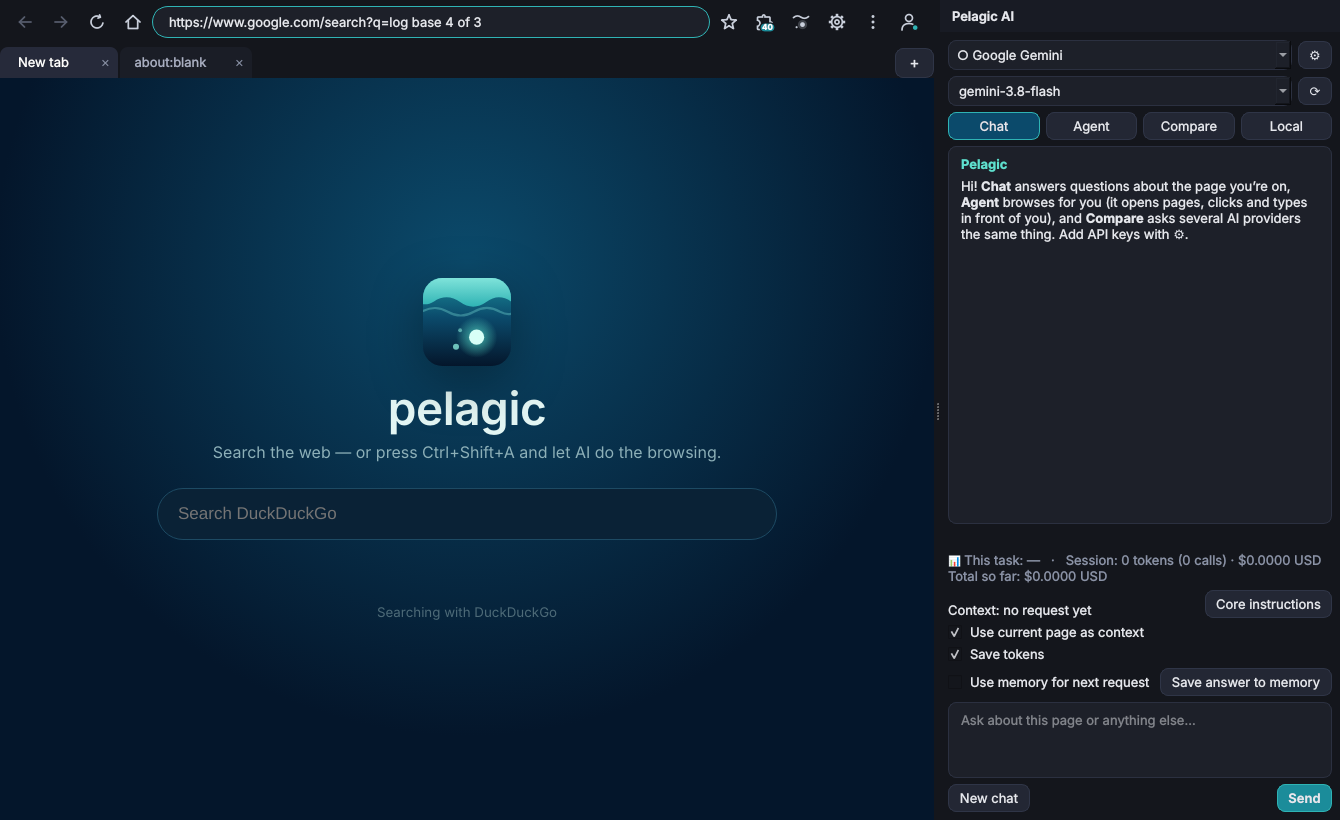
A full web browser with an AI assistant built in. Chat about the page you're on, or let the agent click and type through tasks for you.
What you get
Everything you expect from an everyday browser, plus an assistant that can read and work with web pages.
Tabs your way
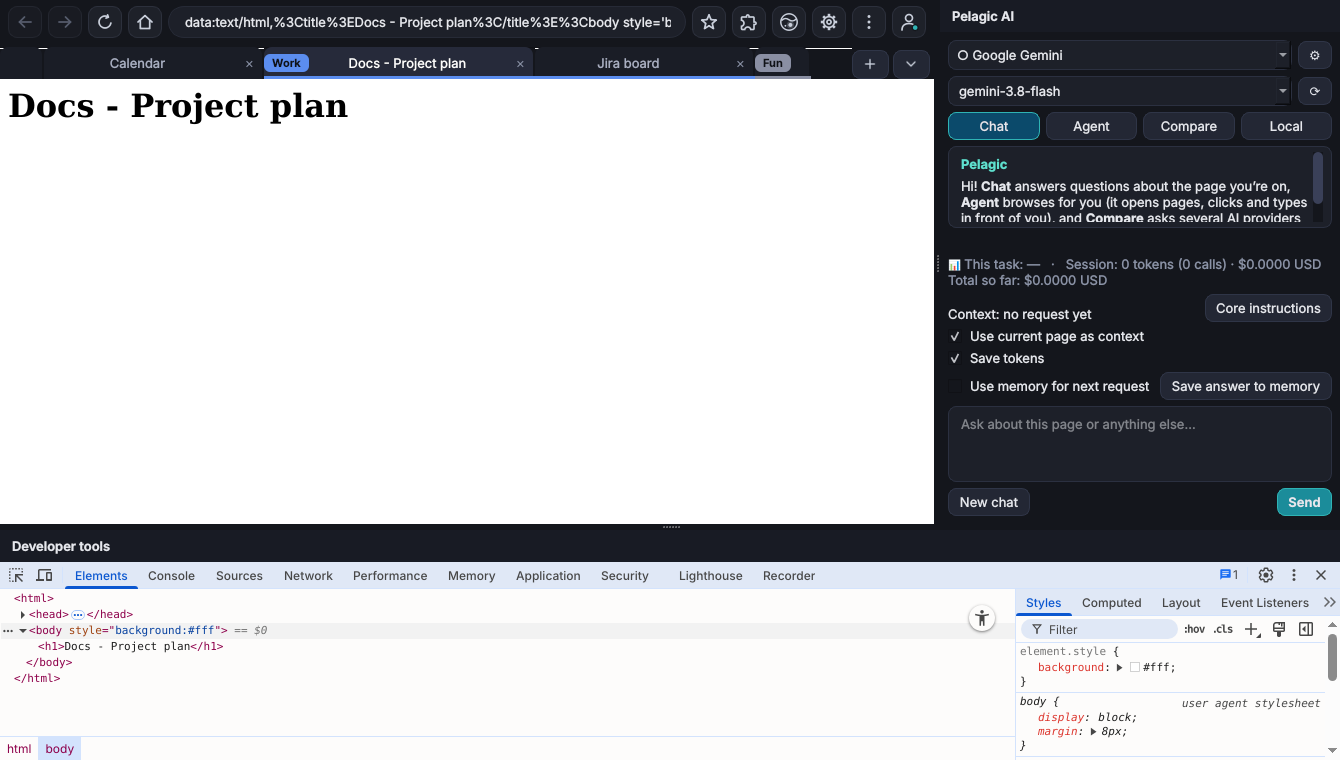
Tab groups, vertical tabs, split view, workspaces and sleeping tabs that save memory.
AI chat
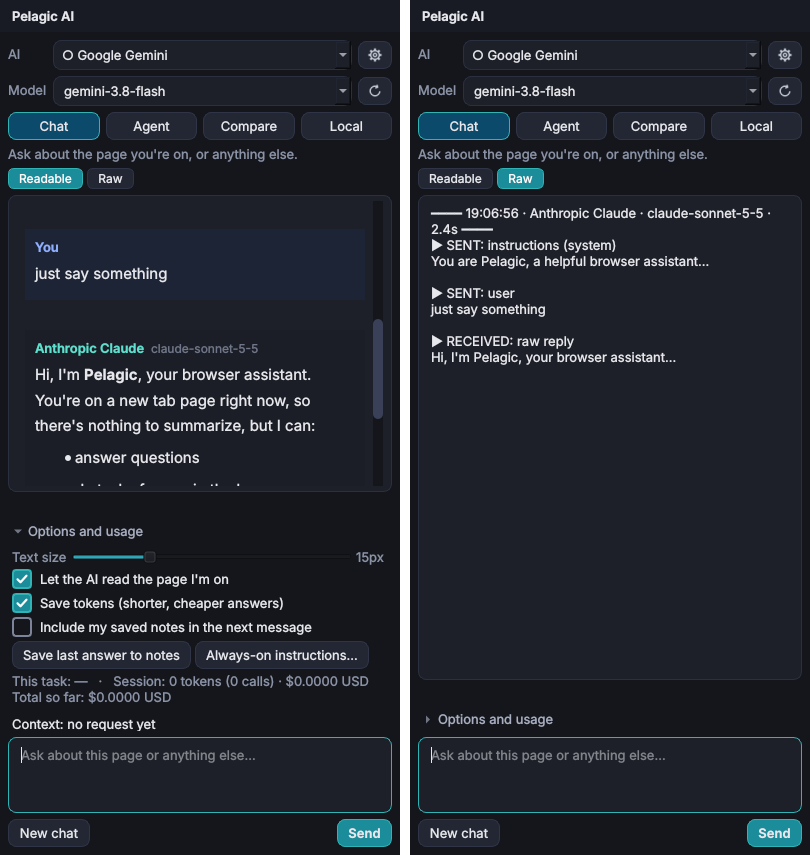
Ask questions about the current page, summarize articles or translate them. Bring your own API key or run a local model.
Agent mode
Describe a task and watch Pelagic browse, click and fill in forms. Passwords are never shown to the AI.
Built-in privacy
Ad blocking, a password manager with breach checks and warnings for unsafe sites.
Familiar tools
Bookmarks, history, downloads, reader mode, screenshots, picture-in-picture and spell check.
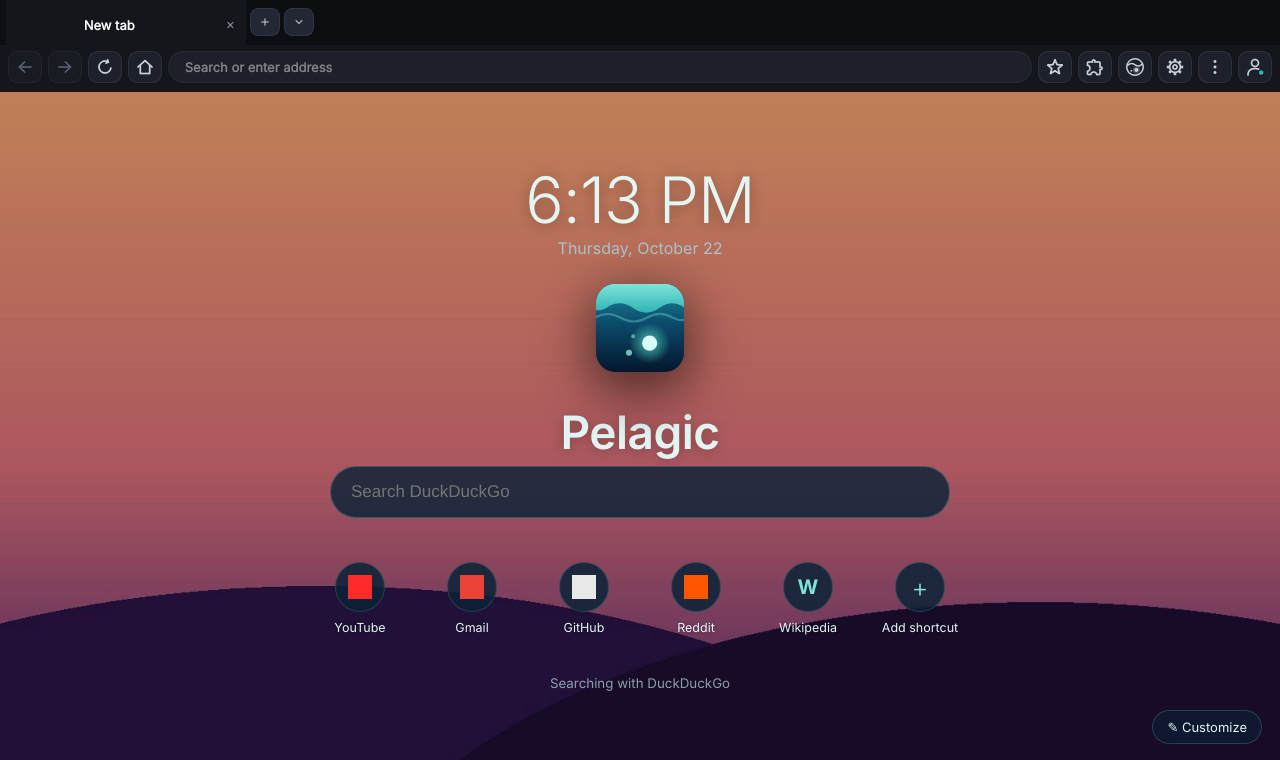
Your homepage
Shortcuts, a search box and a background you choose.
Installing
Takes about a minute. No account needed.
- Download
Click the download button and save
PelagicSetup-1.0.0.0.exe. - Run the installer
If Windows shows "Windows protected your PC", click More info then Run anyway. This appears because the installer isn't code-signed yet.
- Open Pelagic
Find it in the Start menu or on your desktop. To use AI features, add an API key in Settings.
Requirements
- System
- Windows 10 or 11, 64-bit
- Disk
- About 500 MB free
- AI
- Optional. Your own API key (Claude, OpenAI, Gemini) or a local model
File details
- File
- PelagicSetup-1.0.0.0.exe
- Size
- 189,332,917 bytes
d1a23613caf641b5a8d47ae11e24871f2a538cc11a2e63829d406d3105bab15c